
AI photo relighting
Relight any photo without reshooting it
Pick a light like golden hour or a studio softbox, or drag your own onto the photo. Only the light changes.
Light
From 19 credits per relight

Examples are real runs on AI-generated photos. Independent service, not affiliated with Google or OpenAI.
Before and after
Real relights from this tool
Unretouched outputs on AI-generated sample photos. The exact lighting setting is listed under each one.
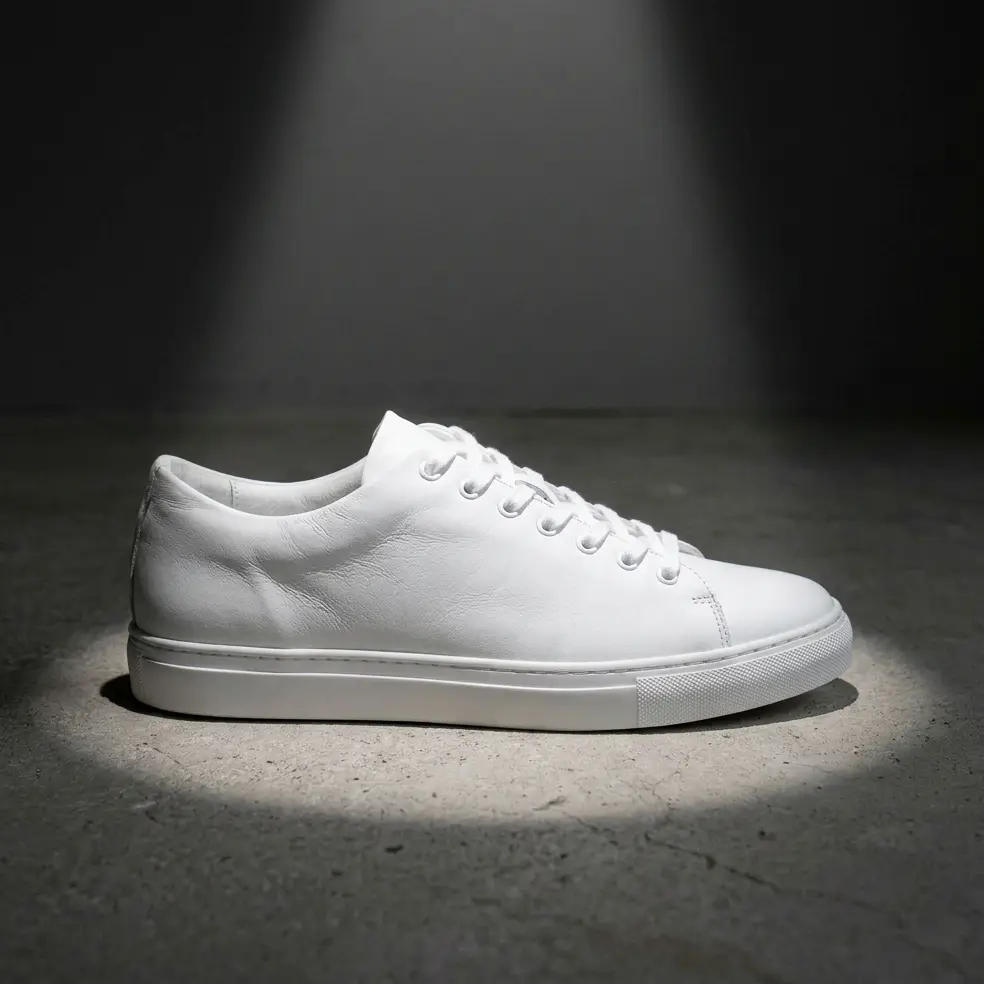
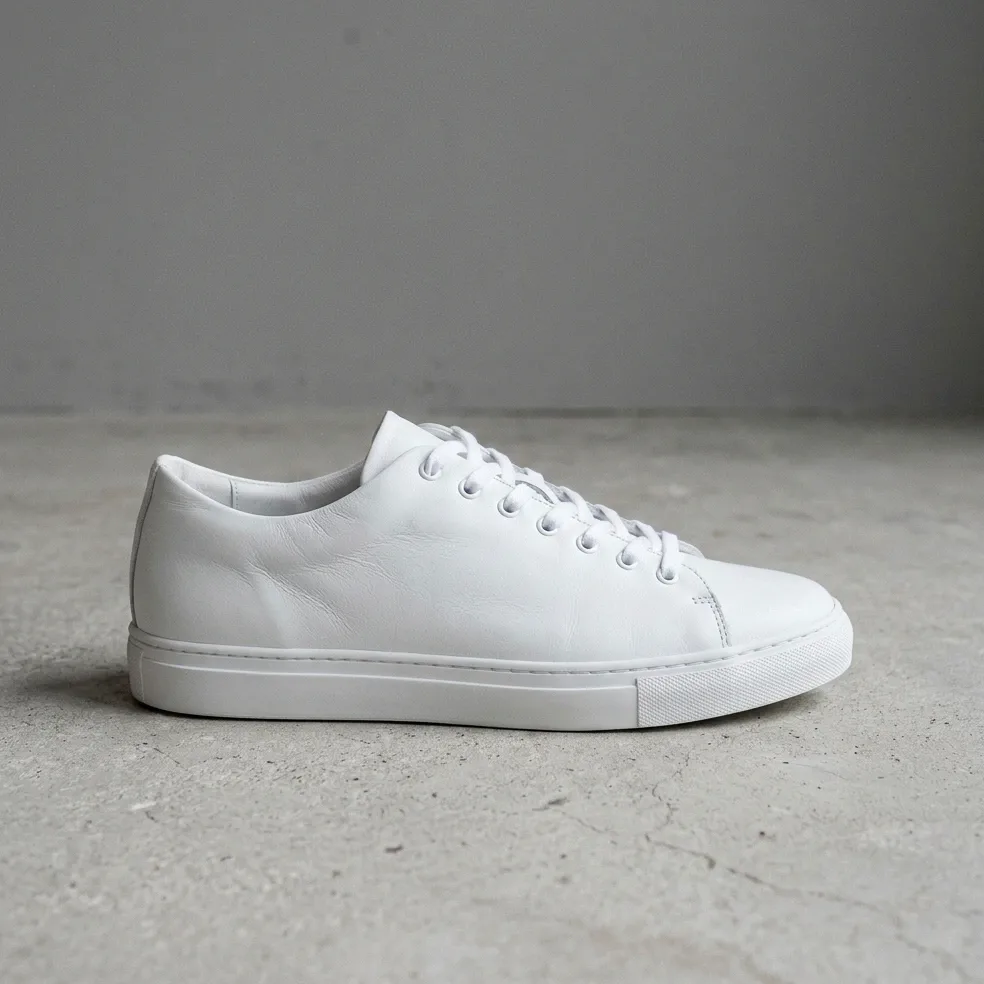
Preset: Spotlight
Show the prompt
Relight this photo with a single hard spotlight from above, a pool of bright light on the subject and dark surroundings. Change only the lighting: light direction, shadows, highlights, reflections and colour temperature. Keep every person, face, expression, body, pose, object, the framing and the background exactly as they are. Add no new objects, text or watermarks.
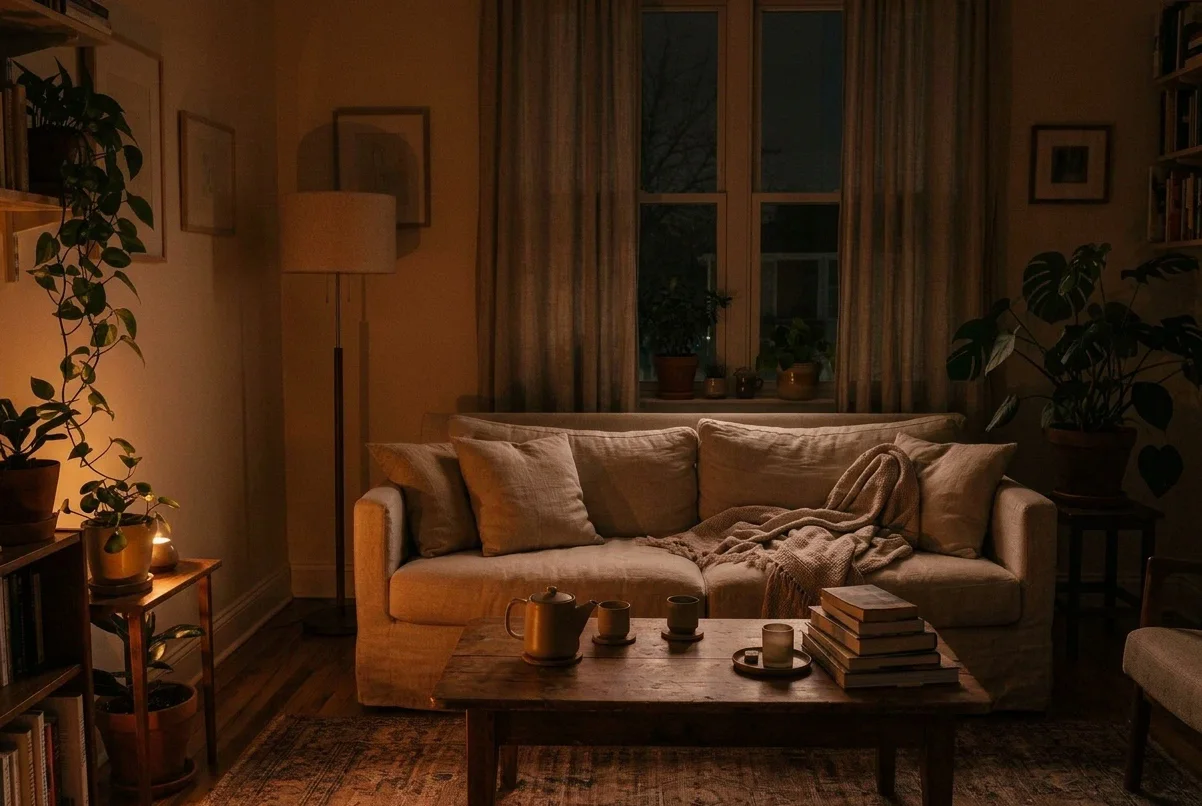

Preset: Candlelight
Show the prompt
Relight this photo with warm, dim candlelight from below and to one side, with a soft orange falloff into shadow. Change only the lighting: light direction, shadows, highlights, reflections and colour temperature. Keep every person, face, expression, body, pose, object, the framing and the background exactly as they are. Add no new objects, text or watermarks.
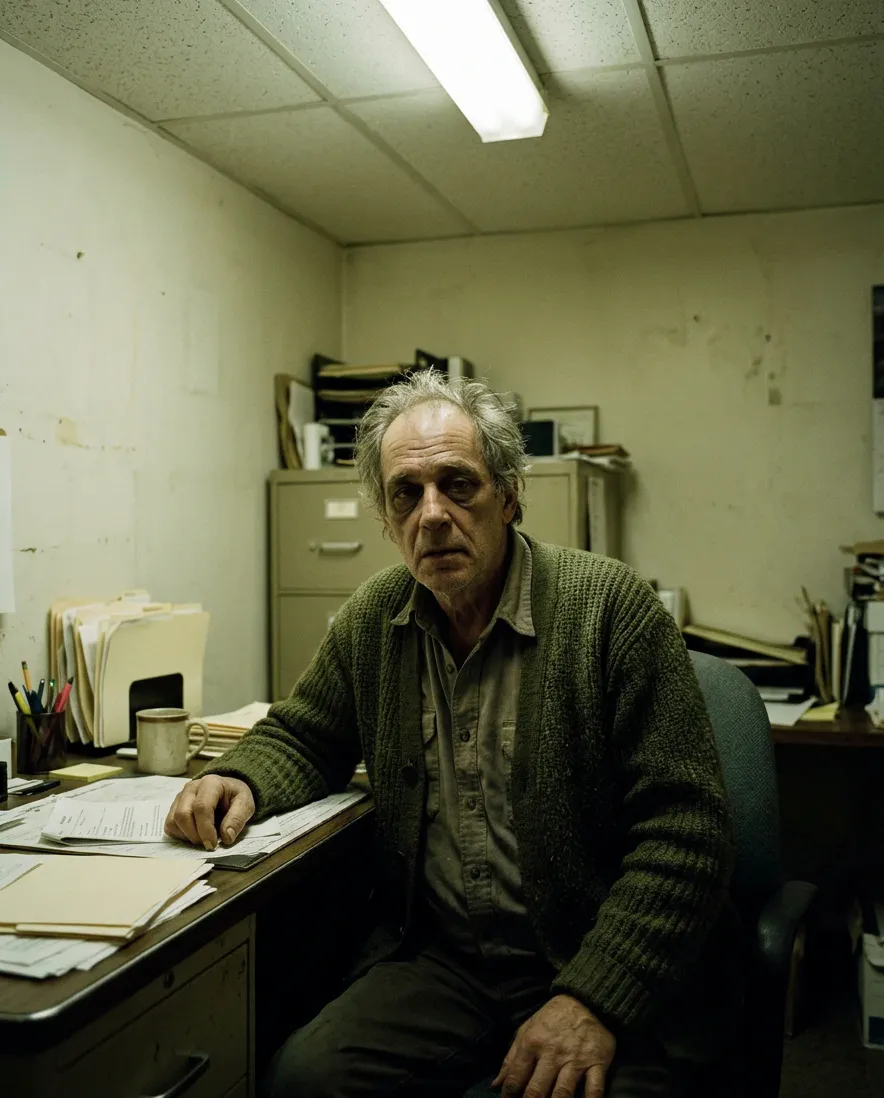
Preset: Window light
Show the prompt
Relight this photo with natural daylight from a large window on one side, falling off softly across the scene. Change only the lighting: light direction, shadows, highlights, reflections and colour temperature. Keep every person, face, expression, body, pose, object, the framing and the background exactly as they are. Add no new objects, text or watermarks.


Preset: Sunset backlight
Show the prompt
Relight this photo with a low sunset sun behind the subject, warm backlight with a soft haze and glowing edges. Change only the lighting: light direction, shadows, highlights, reflections and colour temperature. Keep every person, face, expression, body, pose, object, the framing and the background exactly as they are. Add no new objects, text or watermarks.

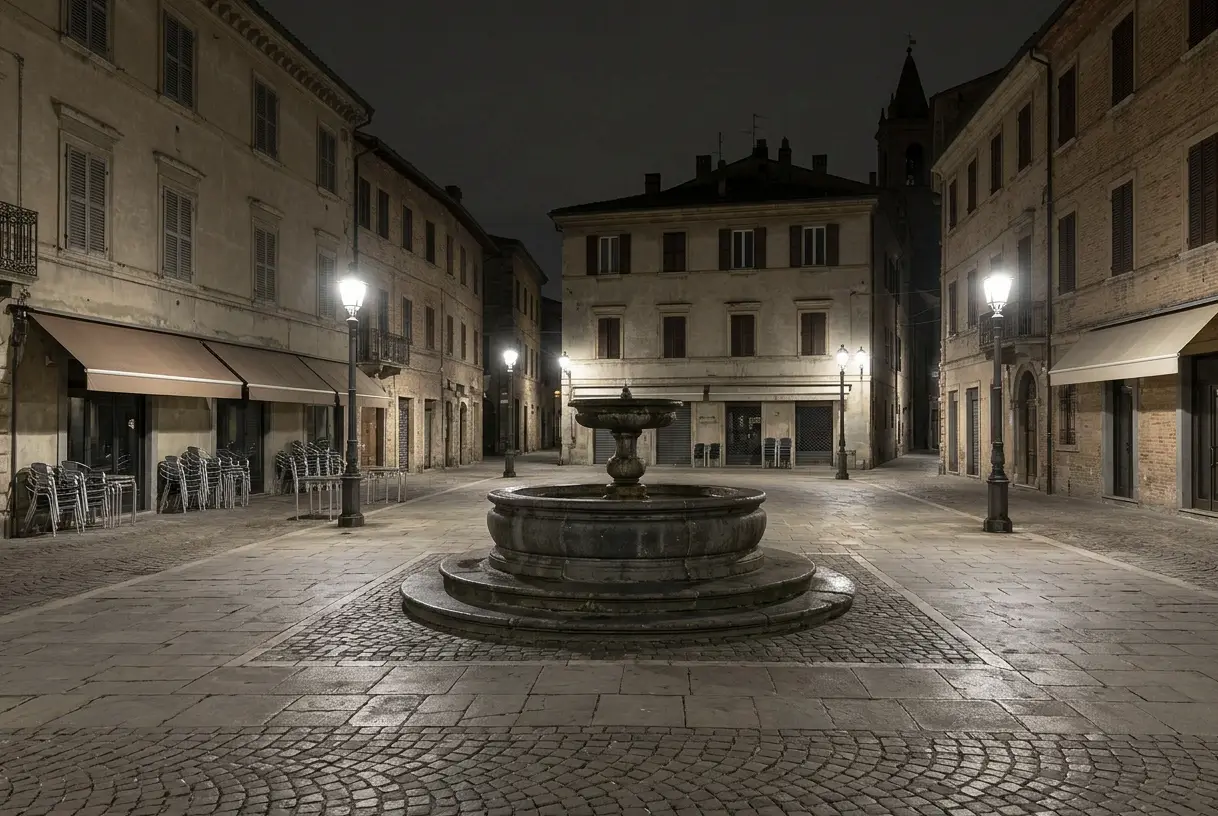
Preset: Overcast soft
Show the prompt
Relight this photo with diffuse overcast daylight with soft, open shadows and no hard edges. Change only the lighting: light direction, shadows, highlights, reflections and colour temperature. Keep every person, face, expression, body, pose, object, the framing and the background exactly as they are. Add no new objects, text or watermarks.


Placed light: right, teal, medium
Show the prompt
Relight this photo with a single key light from the right, saturated teal gel colour, clear but balanced. Change only the lighting: light direction, shadows, highlights, reflections and colour temperature. Keep every person, face, expression, body, pose, object, the framing and the background exactly as they are. Add no new objects, text or watermarks.
Presets
Ten lights, or place your own
Pick a preset for a known look, or drag a light onto the photo and choose its colour and strength. Each page shows real runs and tips.
How it works
How to relight a photo with AI
Three steps, whatever the light.
- 01
Upload a photo
JPG, PNG or WebP up to 10 MB. It is stored privately in your account.
- 02
Pick the light
Choose a preset, or place the light: drag the dot to where the light comes from, then pick its colour and strength. Add a short note if you like, then choose a model and output size. The credit price updates as you go.
- 03
Compare and download
Drag the slider to compare before and after, then download. You can relight the result again to add a second light.
Models
Which model relights your photo
You choose the model. Credits per relight are fixed by model and output size.
| Model | Good for | 1K | 2K | 4K |
|---|---|---|---|---|
| Nano Banana 2.1 | Everyday relights: fast and low cost | 19 | 28 | 42 |
| GPT Image 2 | A second take on mixed light, reflections and busy scenes | 28 | 46 | 74 |
2K output needs a plan or a credit pack, and 4K needs Softbox, Golden Hour or a team plan. Credits are only kept for relights that finish.
Pricing
Plans for one photographer or a whole studio
Three personal plans, two team plans with seats, and credit packs for occasional use. New accounts get 19 free credits once: one complete relight.
Cancel anytime · 21-day money-back guarantee
Candle
1,810 credits a month, about 95 relights at 1K
$10.70/month
1,810 credits a month
- ≈ 95 Nano Banana 2.1 relights
- ≈ 64 GPT Image 2 relights
- Two relights at a time
- Up to 2K output
- API keys and MCP from scripts
Softbox
Most popular4,620 credits a month, about 243 relights at 1K
$23.30/month
4,620 credits a month
- ≈ 243 Nano Banana 2.1 relights
- ≈ 165 GPT Image 2 relights
- Six relights at a time
- Up to 4K output
- API keys and MCP from scripts
Golden Hour
Best value11,210 credits a month, about 590 relights at 1K
$52.40/month
11,210 credits a month
- ≈ 590 Nano Banana 2.1 relights
- ≈ 400 GPT Image 2 relights
- Six relights at a time
- Up to 4K output
- API keys and MCP from scripts
Candle
1,810 credits a month, about 95 relights at 1K
$10.70$9.25/month
Billed yearly at $111
1,810 credits a month
- ≈ 95 Nano Banana 2.1 relights
- ≈ 64 GPT Image 2 relights
- Two relights at a time
- Up to 2K output
- API keys and MCP from scripts
Softbox
Most popular4,620 credits a month, about 243 relights at 1K
$23.30$19.42/month
Billed yearly at $233
4,620 credits a month
- ≈ 243 Nano Banana 2.1 relights
- ≈ 165 GPT Image 2 relights
- Six relights at a time
- Up to 4K output
- API keys and MCP from scripts
Golden Hour
Best value11,210 credits a month, about 590 relights at 1K
$52.40$43.67/month
Billed yearly at $524
11,210 credits a month
- ≈ 590 Nano Banana 2.1 relights
- ≈ 400 GPT Image 2 relights
- Six relights at a time
- Up to 4K output
- API keys and MCP from scripts
Billed per seat, from 3 seats. Every seat adds credits to one shared pool, and members join by invite link.
Key Light
Most popular3,920 credits a month per seat into one shared pool
$20.90/seat a month
11,760 credits a month
- ≈ 618 Nano Banana 2.1 relights
- ≈ 420 GPT Image 2 relights
3 seats: $62.70 in total
- One shared credit pool for the team
- Six relights at a time
- Up to 4K output
- API keys and MCP from scripts
Rim Light
9,590 credits a month per seat into one shared pool
$47.70/seat a month
28,770 credits a month
- ≈ 1,514 Nano Banana 2.1 relights
- ≈ 1,027 GPT Image 2 relights
3 seats: $143.10 in total
- One shared credit pool for the team
- Six relights at a time
- Up to 4K output
- API keys and MCP from scripts
Billed per seat, from 3 seats. Every seat adds credits to one shared pool, and members join by invite link.
Key Light
Most popular3,920 credits a month per seat into one shared pool
$20.90$17.42/seat a month
Billed yearly at $209 per seat
11,760 credits a month
- ≈ 618 Nano Banana 2.1 relights
- ≈ 420 GPT Image 2 relights
3 seats: $627 in total
- One shared credit pool for the team
- Six relights at a time
- Up to 4K output
- API keys and MCP from scripts
Rim Light
9,590 credits a month per seat into one shared pool
$47.70$39.75/seat a month
Billed yearly at $477 per seat
28,770 credits a month
- ≈ 1,514 Nano Banana 2.1 relights
- ≈ 1,027 GPT Image 2 relights
3 seats: $1,431 in total
- One shared credit pool for the team
- Six relights at a time
- Up to 4K output
- API keys and MCP from scripts
Glow
A handful of relights, no subscription
1,230credits
$7.95 one-time
Up to 64 relights at 1K
- ≈ 64 Nano Banana 2.1 relights
- ≈ 43 GPT Image 2 relights
- Two relights at a time
- Up to 2K output
Lantern
Credits for a shoot, no subscription
2,620credits
$17.10 one-time
Up to 137 relights at 1K
- ≈ 137 Nano Banana 2.1 relights
- ≈ 93 GPT Image 2 relights
- Two relights at a time
- Up to 2K output
Daybreak
Best valueA big stock of credits at the lowest pack price per credit
6,610credits
$41.70 one-time
Up to 347 relights at 1K
- ≈ 347 Nano Banana 2.1 relights
- ≈ 236 GPT Image 2 relights
- Two relights at a time
- Up to 2K output
Free: 19 credits once, added when you confirm your email, no card needed. That is one complete relight. One grant per mailbox. They never expire.
Questions about relighting photos
What is Relight?
Relight is an AI photo relighting tool that runs in the browser. You upload a photo, pick a light such as golden hour or a studio softbox, or place the light yourself, and an image model redraws the lighting. People, pose, objects, framing and background stay as they were.
Is it free to try?
New accounts get 19 credits once, added when the email address is confirmed; that covers one complete relight at 1K (19 credits). Each mailbox gets the grant once, and sign-ups from VPN, proxy or hosting networks start without it.
Which AI models does it use?
Relights run on Nano Banana 2.1, Google's image model, or GPT Image 2, OpenAI's image model; you pick one in the editor. The model name is saved with every job in My relights.
Does it change anything besides the light?
The model is told to change only light, shadows, highlights, reflections and colour temperature, and to keep people, faces, pose, objects, framing and background. It redraws the whole image, so small details can still shift; compare with the slider before you download, and run it again if something moved.
What photos can I upload?
JPG, PNG or WebP files up to 10 MB and at least 64 pixels on each side. Upload only photos you own or have permission to edit, and only photos of people who agreed to it.
How large are the results?
Without a plan, results come out at 1K on the long side. Candle or any credit pack unlocks 2K, and Softbox, Golden Hour or a team plan unlock 4K.
Who can see my photos and results?
Only you; on a team plan the owner sees usage, not your photos. There is no public gallery. The photo goes only to the AI service that runs the relight, and the words you type are checked by an automated safety screen first.
What happens if a relight fails?
Credits are taken when a relight starts. If it errors or times out, they go back to your balance automatically and the job is marked as failed in My relights.
Can I use the results commercially?
Yes, on any plan, as long as you hold the rights to the photo you uploaded and the use follows the Terms and the Acceptable Use Policy.
What will it refuse to do?
Relight changes the light in the photo you upload. Notes that ask to change a face or someone's identity, add sexualised content, remove watermarks or logos, or make an edit meant to mislead are declined before any credits are spent. The Acceptable Use Policy lists the rules in full.
Updated
Lighting notes
Practical write-ups on relighting photos, choosing a light and fixing flat or harsh light.

Golden hour filter: get real golden hour light on any photo
A golden hour filter that only tints a photo orange looks fake. What real late sun does, which photos take it well, and how to relight a shot so it reads true.
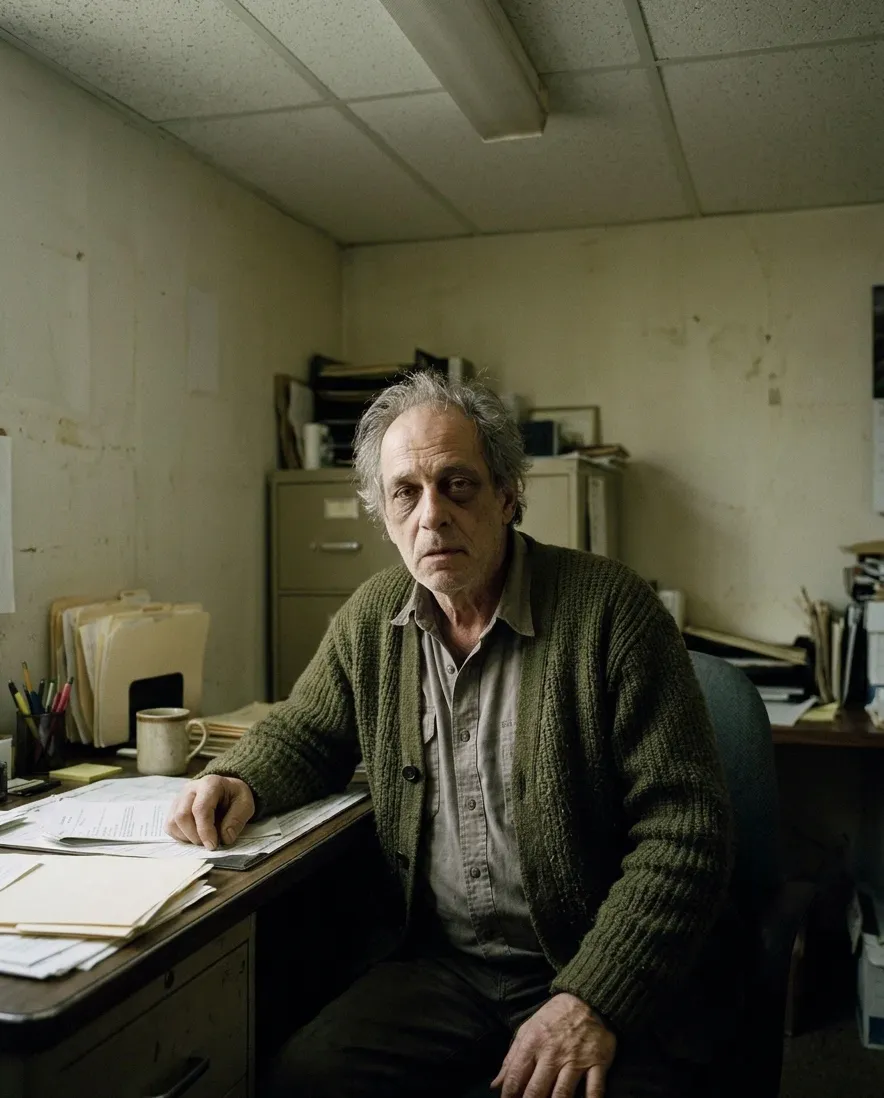
How to fix lighting in a photo: flat light vs harsh light
To fix lighting in a photo, first decide whether the light is flat or harsh. Flat light needs direction added; harsh light needs softening and fill.
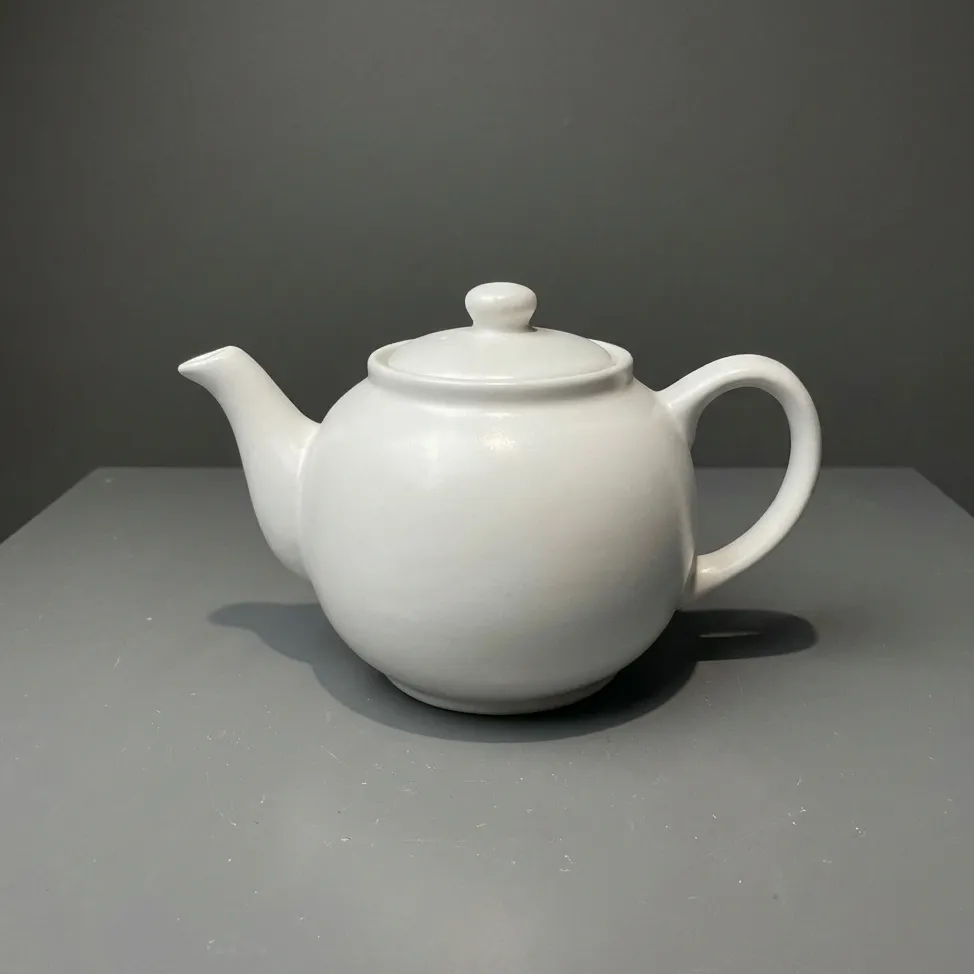
Studio light for product photos with a photo lighting editor
Give phone-shot product photos clean studio light with a photo lighting editor: which setup suits which product, where the light goes, how to stay consistent.
Got a photo with the wrong light?
Upload it, pick a light, and compare the result.